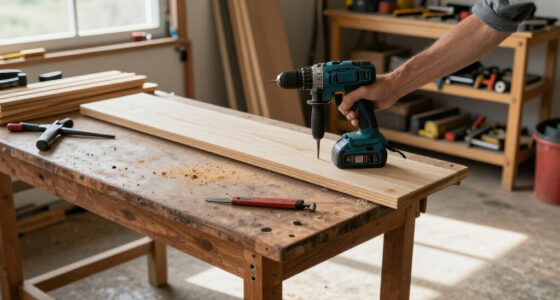

Overheating in DEWALT power tools can disrupt your workflow and reduce their lifespan. Understanding the common causes and knowing how to fix them can save you time and money. This guide provides clear, step-by-step instructions to diagnose and resolve overheating issues safely.

Get business pricing on tools and workshop supplies
- Business-only prices and quantity discounts
- Tax-exempt purchasing
- Multiple users, one account, clear invoices
Key Takeaways
| Overheating causes | Poor ventilation, prolonged use, or overloading can cause DEWALT tools to overheat. |
| Safety first | Always unplug or remove the battery before inspecting or fixing. |
| Cooling down | Allow the tool to cool completely before troubleshooting further. |
| Regular maintenance | Clean vents and check for debris to prevent overheating. |
| Proper usage | Use the right bit and avoid forcing the tool beyond its capacity. |
Identify the Overheating Symptoms
Look for signs such as the tool shutting down unexpectedly, a burnt smell, or excessive heat on the body or battery. These indicate overheating issues that need immediate attention.
Step 1: Turn Off and Unplug the Tool
- Immediately stop using the tool if it feels excessively hot.
- Unplug the cord or remove the battery from the DEWALT 20V MAX Cordless Drill and Impact Driver.
Step 2: Allow the Tool to Cool
Place the tool in a well-ventilated area and let it cool for at least 15-30 minutes. Do not attempt to cool it with water or cold air as sudden temperature changes can cause damage.
Step 3: Clean Vents and Check for Blockages
- Use compressed air to blow out dust and debris from ventilation slots.
- Inspect for any blockages or buildup that could restrict airflow.
Step 4: Check for Overloading or Misuse
Ensure you are not exceeding the tool’s capacity. Use appropriate bits, avoid prolonged continuous operation, and do not force the tool to work in unsuitable conditions.
Step 5: Inspect and Replace Batteries if Needed
If the battery is hot, check its connections and consider replacing it with a high-quality, compatible DEWALT 20V MAX 5 Ah Lithium-Ion Battery (ASIN: B00KQU1ENG). Ensure batteries are not damaged or swollen.
The Products in This Guide

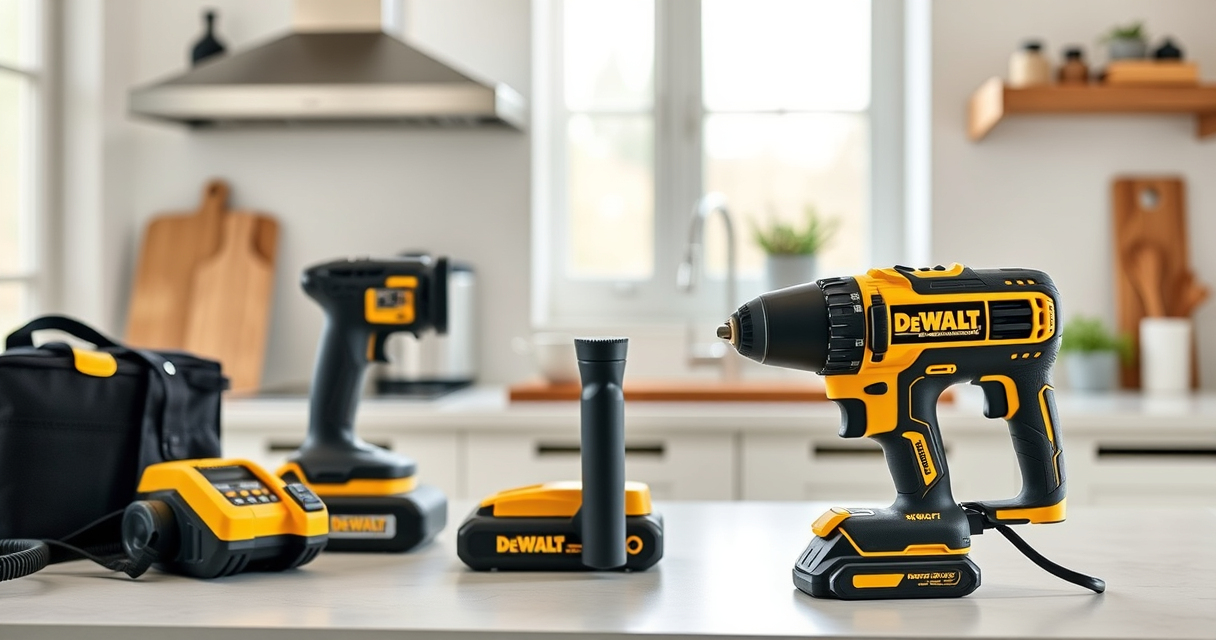
DEWALT 20V MAX Cordless Drill and Impact Driver
- ✔ Size: 7.6 inches
- ✔ Color: Black and yellow
- ✔ Includes: 2 batteries, charger, bag

DEWALT Drill Bit Set
- ✔ Size Range: Various
- ✔ Web Design: Tapered
- ✔ Pack Size: 14 pieces
DEWALT 20V MAX Cordless Drill and Impact Driver
The DEWALT 20V MAX Cordless Drill and Impact Driver combo kit offers excellent performance with a brushless motor, lightweight design, and LED visibility. It’s built for durability and ease of use, making it ideal for both professional and DIY tasks.
Pros:
- Compact and lightweight design
- Brushless motor for efficiency
- Includes 2 batteries and charger
- Ergonomic grip for comfort
Cons:
- Battery life may vary with heavy use
- No adjustable speed on impact driver
Best for: Versatile drilling and impact tasks in tight spaces
Not ideal for: Heavy-duty industrial applications
Bottom line: A dependable, high-performance cordless drill and impact driver combo for versatile tasks.
DEWALT Drill Bit Set
This 14-piece DEWALT drill bit set features durable high-speed steel bits with a 135-degree split point for reduced walking and precise drilling in plastic, wood, and metal. Its black and gold coating enhances rust resistance.</p>
Pros:
- Wide range of sizes included
- Durable and rust-resistant coating
- Tapered web design for strength
- Easy to identify size markings
Cons:
- Not suitable for heavy industrial drilling
- Limited to smaller professional projects
Best for: General purpose drilling in multiple materials
Not ideal for: Heavy-duty or industrial applications
Bottom line: A versatile drill bit set that enhances precision and durability for everyday projects.
Frequently Asked Questions
Why is my DEWALT power tool overheating?
Overheating can be caused by prolonged use, blockages in vents, overloading, or using the wrong accessories. Regular maintenance and proper use can prevent this.
How long should I wait for my tool to cool down?
Allow at least 15-30 minutes for the tool to cool in a well-ventilated area before inspecting or attempting repairs.
Can I use water to cool the tool?
No, do not use water; sudden temperature changes can damage internal components. Let the tool cool naturally in open air.
How do I prevent my batteries from overheating?
Avoid exposing batteries to high temperatures, ensure proper connection, and do not overcharge or use damaged batteries.
Keeping Your DEWALT Tools Cool and Efficient
Proper maintenance, mindful usage, and timely troubleshooting can keep your DEWALT power tools running smoothly. By understanding and addressing overheating issues promptly, you can extend their lifespan and ensure safe, effective operation during every project.
Affiliate disclosure: As an Amazon Associate we earn from qualifying purchases. Prices and availability are accurate as of the time of publishing.
Halloween Picks
halloween
As an affiliate, we earn on qualifying purchases.