If your DEWALT 20V MAX cordless drill refuses to charge, it can be frustrating and hinder your work. Fortunately, most charging issues are fixable with some simple troubleshooting steps. This guide will walk you through practical, safe methods to identify and resolve common charging problems, so your tool is ready when you need it.
Before beginning, ensure you have your DEWALT battery, charger, and the drill set handy. Always follow safety precautions to avoid injury and damage.
Key Takeaways
| Battery Connection | Ensure the battery is properly seated and clean. |
| Charger Status | Check the LED indicator on the charger for error signals. |
| Battery Health | Test with a known good battery if available. |
| Electrical Outlet | Verify the power source is working correctly. |
| Clean Contacts | Remove dirt or debris from battery and charger contacts. |
Amazon Product B0C3TGRLLM
As an affiliate, we earn on qualifying purchases.
Check the Battery and Its Connection
- Remove the battery from the drill and inspect the contacts for dirt, corrosion, or damage.
- Clean the contacts gently with a dry cloth or a soft brush.
- Reinsert the battery, ensuring it clicks securely into place.
Amazon Product B07DH55YRX
As an affiliate, we earn on qualifying purchases.
Inspect the Charger and Power Source
- Plug the charger into a different electrical outlet to rule out power issues.
- Observe the LED indicator on the charger—refer to the user manual for color-codes (e.g., red, green, flashing) to determine status.
Test the Battery with a Known Good Unit
If available, insert a different, fully charged DEWALT battery into your charger to see if it charges properly. Conversely, test your battery on another compatible charger.
Reset and Cool Down
- Allow the battery and charger to cool down if they feel warm or hot, as overheating can prevent charging.
- Unplug the charger for 15-30 minutes, then try charging again.
Consider Battery Replacement
If your battery is old or shows signs of wear (e.g., no charge, swelling, corrosion), it may need replacing. Use a compatible 20V MAX 5Ah battery to ensure optimal performance.
The Products in This Guide

DEWALT 20V MAX Cordless Drill Driver Set
- ✔ LED Light: Yes
- ✔ Transmission: 2-speed
- ✔ Trigger Delay: 20 seconds

DEWALT Drill Bit Set
- ✔ Size Markings: On shank
- ✔ Durability: High
- ✔ Rust Resistance: Yes
DEWALT 20V MAX Cordless Drill Driver Set
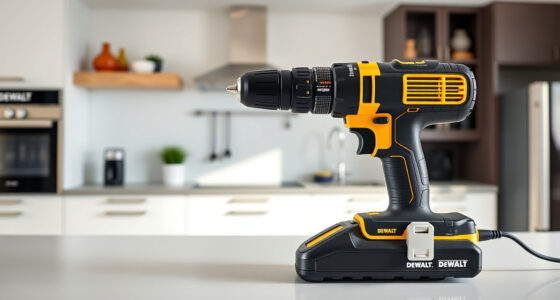
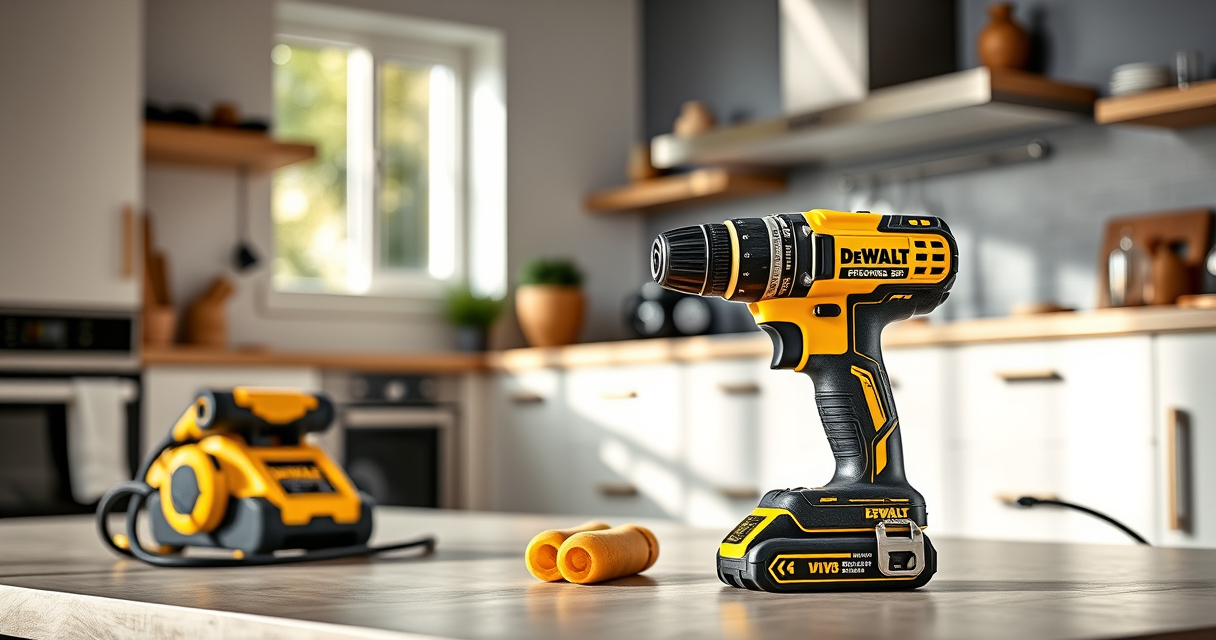
The DEWALT 20V MAX Cordless Drill Driver Set is a versatile and durable tool, perfect for general-purpose drilling and fastening. Its brushless motor offers more run time, and the compact design fits into tight spaces. If your drill isn’t charging, follow these troubleshooting steps to get it back in action.
Pros:
- Brushless motor for efficiency
- Compact and lightweight
- LED work light
- Includes 2.0 Ah battery and charger
Cons:
- Battery aging can affect charge retention
- Charger indicator may be confusing for beginners
Best for: DIYers and professionals needing reliable power tools
Not ideal for: If your battery or charger is damaged, replacement might be necessary
Bottom line: A dependable drill set with effective troubleshooting for charging issues.
DEWALT Drill Bit Set
Pair your DEWALT drill with this 14-piece drill bit set featuring high-speed steel construction and a 135-degree split point tip. It’s excellent for plastic, wood, and metal, making your projects smoother and more efficient.
Pros:
- Durable high-speed steel
- Prevents walking with split point
- Easy to identify sizes
- Corrosion-resistant coating
Cons:
- Limited to specific bit sizes
- Not suitable for heavy-duty industrial use
Best for: Home improvement and light to medium tasks
Not ideal for: For heavy industrial drilling, consider heavier-duty bits
Bottom line: A versatile drill bit set that enhances your drilling projects.
Frequently Asked Questions
Why is my DEWALT battery not charging?
Common reasons include dirty contacts, overheating, faulty charger, or a worn-out battery. Follow the troubleshooting steps to identify the cause.
How do I clean the battery contacts?
Use a dry cloth or a soft brush to gently remove dirt, dust, or corrosion from the contacts on both the battery and charger.
What should I do if the charger’s LED blinks or shows an error?
Refer to your charger’s manual for specific error codes. Generally, a blinking LED may indicate overheating, a faulty battery, or connection issues. Try resetting or replacing components as needed.
Can I leave my battery on the charger overnight?
Yes, DEWALT chargers are designed to prevent overcharging. However, it’s best practice to disconnect once fully charged to prolong battery life.
Bring Power Back to Your DEWALT Tool
Dealing with charging issues can be frustrating, but most problems are simple to troubleshoot. By inspecting the battery, charger, and connections, you can often restore your DEWALT drill to full working condition. Remember to handle batteries carefully and follow safety guidelines to avoid hazards. With patience and proper care, your power tools will keep performing at their best.
Affiliate disclosure: As an Amazon Associate we earn from qualifying purchases. Prices and availability are accurate as of the time of publishing.