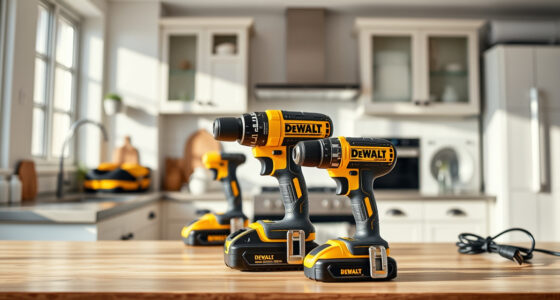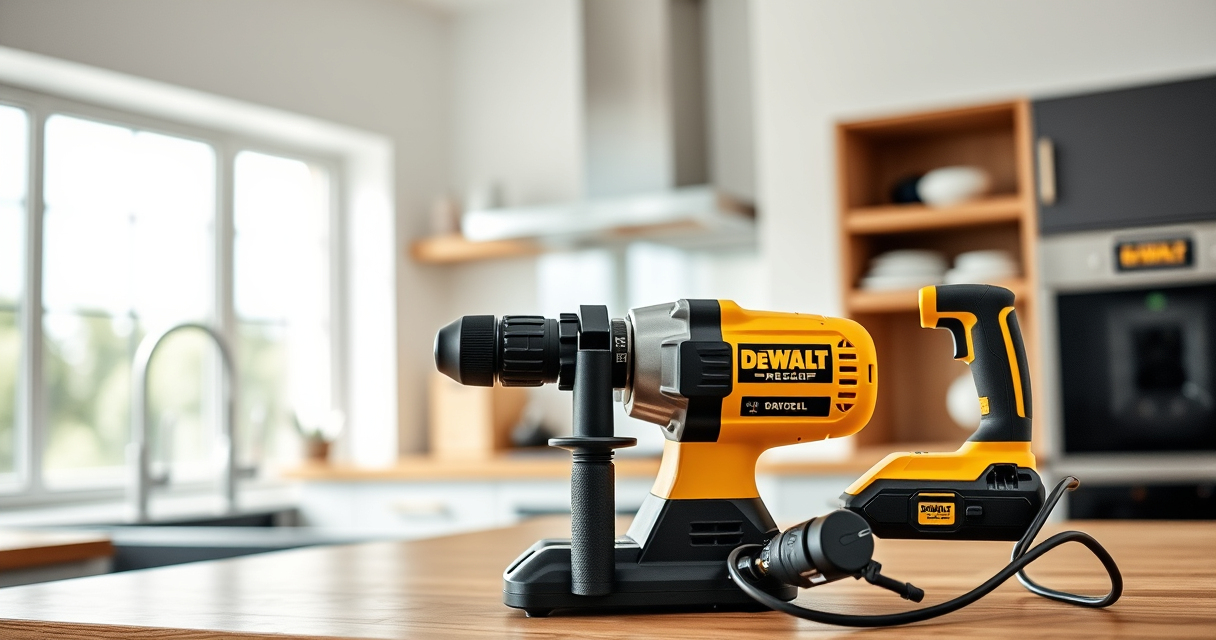

Proper maintenance and troubleshooting are essential to keep your DEWALT 20V MAX Cordless Drill Driver Set operating at peak performance. Whether you’re experiencing power issues, battery problems, or tool malfunctions, this guide provides clear, practical steps to diagnose and resolve common problems safely.
By following these instructions, you can extend the lifespan of your drill, ensure safety during use, and maximize its efficiency for all your projects.
Key Takeaways
| Battery Care | Proper charging and storage extend battery life. |
| Common Issues | Power loss, slow operation, or chuck problems are typical. |
| Basic Troubleshooting | Step-by-step checks help identify faults quickly. |
| Maintenance Tips | Regular cleaning and inspection keep the tool in top shape. |
| Safety First | Always disconnect power before troubleshooting. |
Preparing Your Tool for Troubleshooting
- Ensure the drill is turned off and remove the battery to prevent accidental activation.
- Gather necessary tools: a screwdriver, a clean cloth, and safety gloves.
- Inspect the drill for obvious damage or debris that could interfere with operation.
Checking and Replacing the Battery
- Remove the battery from the drill by pressing the battery release button.
- Inspect the battery contacts for dirt or corrosion; clean gently with a dry cloth if necessary.
- Test the battery with a compatible charger to ensure it is charging properly; replace if no charge is detected after several attempts.
- Reattach the charged or new battery securely into the drill.
Troubleshooting Power and Operation Issues
- If the drill doesn’t turn on, verify the battery is fully charged and properly seated.
- Test the LED light; if it doesn’t activate, check the trigger switch for damage.
- Listen for any unusual sounds during operation, indicating motor or gear issues.
- Inspect the chuck for debris or damage; clean or replace if necessary.
Maintaining and Cleaning Your Drill
Regular maintenance is key to longevity:
- Keep the vents and motor area free of dust and debris using a soft brush.
- Wipe down the exterior with a damp cloth after use.
- Lubricate the chuck periodically using a light machine oil, if recommended by the manufacturer.
- Store the drill in a dry, cool place, ideally in its case, to prevent rust and damage.
Safety Tips and Warnings
- Always disconnect the battery before troubleshooting or cleaning.
- Wear safety gloves and eye protection when inspecting or repairing the tool.
- Do not attempt repairs beyond basic troubleshooting; contact professional service if needed.
- Use only recommended batteries and accessories to prevent damage or injury.
The Products in This Guide

DEWALT 20V MAX Cordless Drill Driver Set
- ✔ Voltage: 20V
- ✔ Drive Type: Cordless
- ✔ Operation: Electric

DEWALT Drill Bit Set
- ✔ Length: Various
- ✔ Shank: 3-Flats
- ✔ Coating: Rust-resistant
DEWALT 20V MAX Cordless Drill Driver Set
The DEWALT 20V MAX Cordless Drill Driver Set offers exceptional power with its brushless motor, lightweight design, and ergonomic grip. It’s ideal for a wide variety of tasks, from drilling into wood and metal to fastening in tight spaces, thanks to its compact size and LED lighting.
Pros:
- Powerful brushless motor for longer runtime
- Compact and lightweight for easy handling
- LED light enhances visibility
- Includes 2.0 Ah battery and charger
Cons:
- Battery life may vary with heavy use
- Limited to 1/2 inch chuck size
- Does not include additional accessories
Best for: General-purpose drilling, fastening, and DIY projects
Not ideal for: Heavy-duty industrial applications or extended continuous use
Bottom line: A reliable, versatile drill ideal for home and professional use.
DEWALT Drill Bit Set
Complement your drill with this durable 14-piece DEWALT drill bit set, featuring high-speed steel construction and a 135-degree split point for reduced walking and precision in plastic, wood, and metal.
Pros:
- High-Speed Steel for durability
- Includes a variety of sizes
- Split point reduces walking
- Corrosion-resistant coating
Cons:
- Limited to drill bits, not for heavy-duty metal work
- No special case included
- Only suitable for compatible drills
Best for: Quick, accurate drilling in multiple materials
Not ideal for: Heavy industrial metal applications
Bottom line: A versatile drill bit set perfect for multiple materials.
Frequently Asked Questions
How do I troubleshoot if my DEWALT drill won’t turn on?
First, ensure the battery is fully charged and properly inserted. Check the battery contacts for dirt or corrosion. If it still doesn’t turn on, try resetting the tool by removing the battery, waiting a few minutes, then reattaching it. If the problem persists, inspect the trigger switch for damage or contact service.
What’s the best way to extend battery life?
Store batteries in a cool, dry place and avoid fully discharging them regularly. Use the charger to maintain optimal charge levels and avoid leaving batteries on the charger for extended periods after full charge.
How often should I clean and lubricate my drill?
Clean the exterior and vents after each use to prevent dust buildup. Lubricate the chuck periodically with light machine oil, especially if the drill is used frequently or in harsh environments.
Can I use non-DEWALT accessories with my drill?
It’s recommended to use only compatible DEWALT accessories to ensure safety and optimal performance. Using incompatible accessories may damage the tool or void the warranty.
What safety precautions should I follow during troubleshooting?
Always disconnect the battery before inspecting or repairing. Wear safety gloves and eye protection. Never attempt repairs beyond basic troubleshooting; contact professional support if necessary.
Keep Your DEWALT Drill Running Smoothly
Regular maintenance and timely troubleshooting can significantly extend the lifespan of your DEWALT 20V MAX Cordless Drill Driver Set. By following the steps outlined in this guide, you can resolve common issues safely and keep your tool performing reliably for years to come. Remember, always prioritize safety and consult professional service if problems persist beyond basic troubleshooting.
Affiliate disclosure: As an Amazon Associate we earn from qualifying purchases. Prices and availability are accurate as of the time of publishing.